



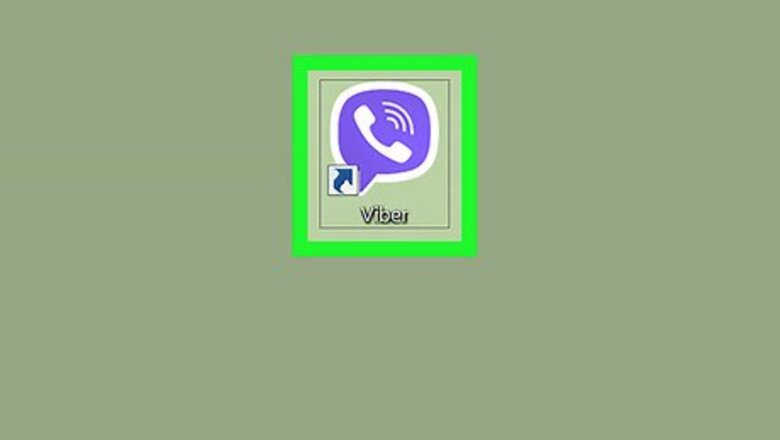


Open Viber on your PC or Mac. It has a purple chat bubble icon with a white phone receiver inside. You'll usually find it in the All Apps area of the Start menu (Windows) or in the Applications folder (macOS).
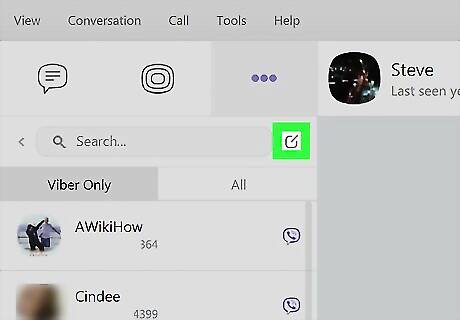
Click the compose icon. It's the small square with a pencil right next to the Search bar (on the left side of Viber).
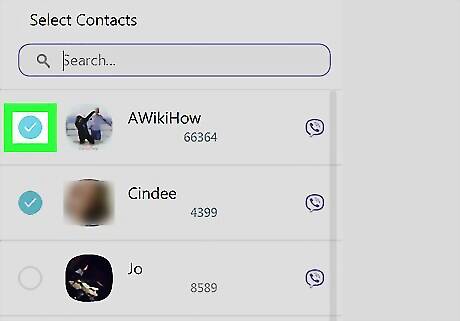
Click the circle next to each group member's name. A blue and white check mark will appear next to each selected name. You'll have to select at least two members to create a group.
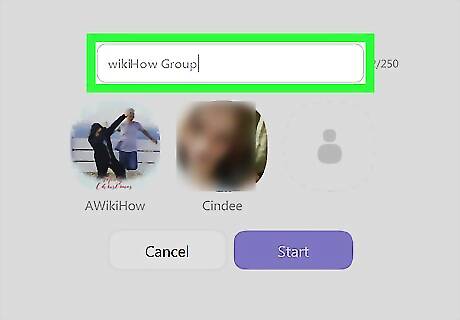
Type a group name. This goes into the blank in the center part of the screen. Everyone in the group will see this name.
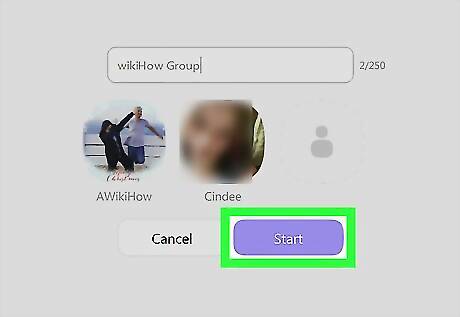
Click Start. It's the purple button beneath the member list. The group is now active and appears at the top of your conversation list.












Comments
0 comment