



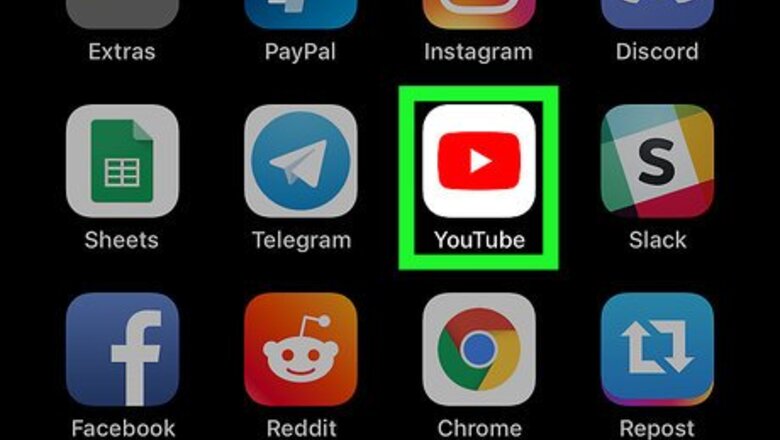

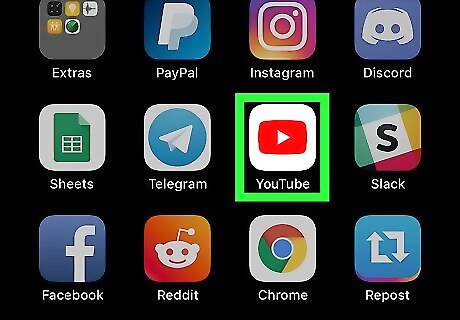
Open the YouTube app on your iPhone or iPad. The YouTube app looks like a white Play button in a red rectangle icon. You can find it on your home screen, or in a folder.

Tap the video you want to comment. If you see an interesting video on the YouTube homepage, just tap and open it. Alternatively, you can tap the magnifier icon on the top-right, and use the Search function to find the video you want to comment.
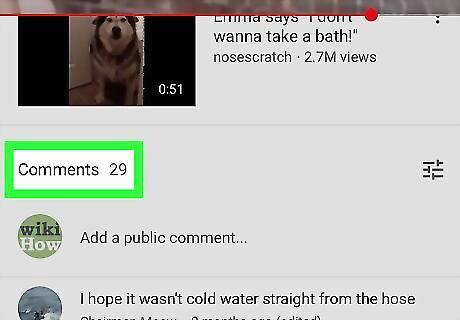
Scroll down to the Comments section. The Comments section is located below a list of related videos all the way down the page. This section lists all the public comments left under this video.
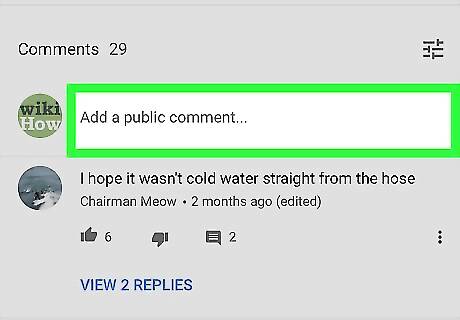
Tap Add a public comment below the Comments heading. This will bring up your keyboard, and allow you to enter your comments into the text field. If you're not automatically logged in to YouTube, tapping the comment field will bring up a list of your Google accounts, and prompt you to sign in.
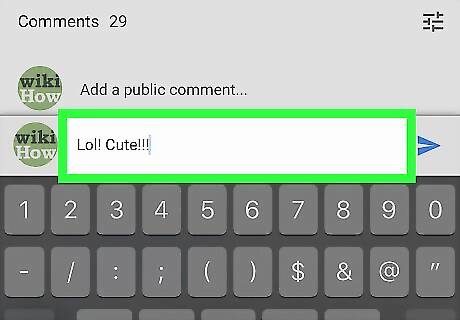
Enter your comments into the text field. You can use your keyboard to type your comments, or paste text from your clipboard.
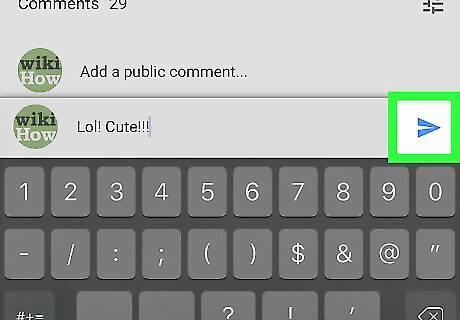
Tap the blue paper plane icon next to the text field. This will post your comment. You can now see your comment under the video.









Comments
0 comment