




Install and setup
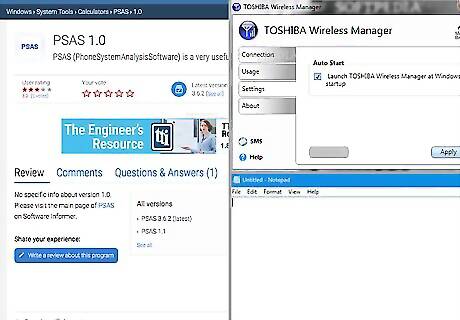
1. Get the necessary software (3 wireless Manager, PSAS Software, and MS Windows Notepad) you need.
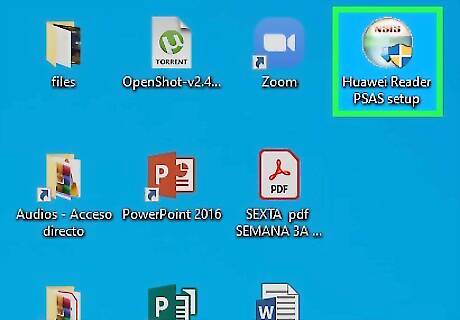
2. Then install the PSAS Software.
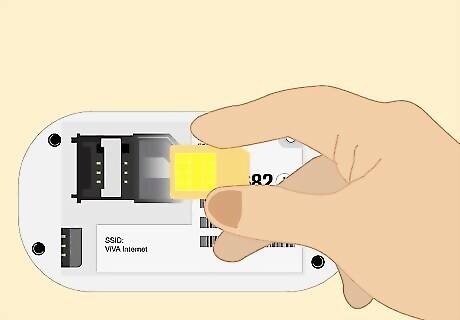
3. After this, change the sim card inside your modem to a different network sim card)
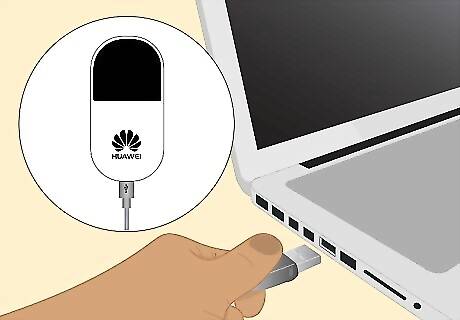
4. Connect to the computer with USB cable and install the software that come with your Mi-Fi,then close down the Mi-Fi software.
(make sure that you are not connected to the modem via wireless and the software that come with your Mi-Fi is not running, this step is only for installation of the Mi-Fi Drivers)
Get the unlock code
1. Switch On your E585 and wait for it to start up completely.
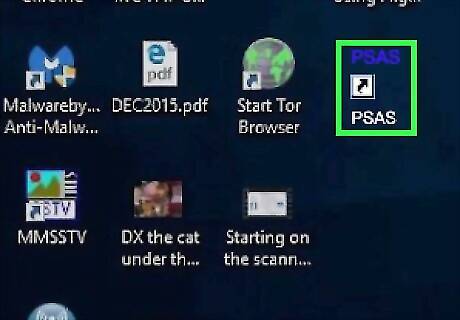
2. Run PSAS.
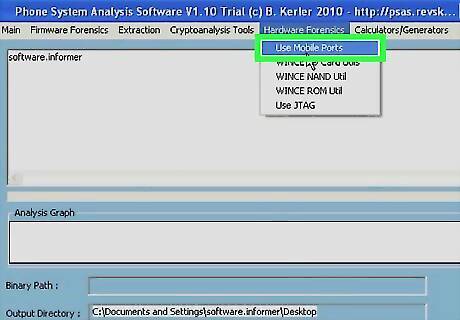
3. PSAS main page -> Hardware Forensics -> Use Mobile Port, then another PSAS program window appear.
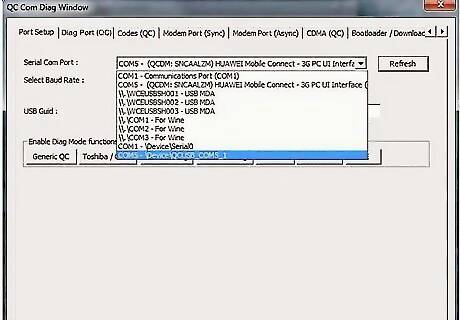
4. In the new window: SETUP -> Serial COM Port (3G Application Interface) -> baud speed, and that's all you have to do for the setup menu tab.
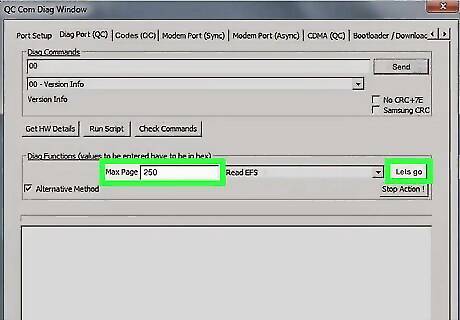
5. DIAG -> send -> Diag Functions box -> Read EFS -> Alternative Method -> max page -> type 250 (range from 200 to 600 depending on the lines), then click âlets goâ, this will ask you to save a file so just name it and save it onto desktop.
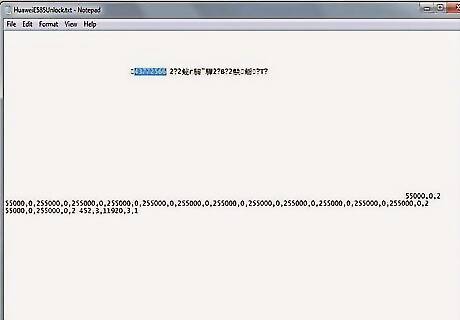
6. Open the PSAS log file with Notepad and search for your code. Click Ctrl F to search âPSTâ (NB: See also below) this will send you to your unlock code which are the numbers after the word PST, if you look around you will also see your serial. number.












Comments
0 comment